
Download Quick Translate – translate, language, instant, fast, mobile, app, communication, international
Overview
Quick Translate is a mobile application designed to streamline language translation tasks for users who need fast, accurate, and reliable communication across linguistic barriers. Developed by TechSolve Labs, the app focuses on delivering instant translation capabilities directly from a smartphone, making it ideal for travelers, students, professionals, and anyone engaging in cross-cultural or multilingual interactions. The app’s primary purpose is to provide immediate access to translated text, enabling users to understand foreign content or convey their messages clearly in another language without the need for complex setup or third-party tools.
By emphasizing speed and simplicity, Quick Translate addresses common challenges such as delayed responses in international conversations, difficulty reading foreign text in documents or signs, and the inconvenience of switching between multiple translation platforms. Real-world use cases include translating restaurant menus while traveling, understanding foreign-language instructions during work tasks, or communicating with international clients via messaging. The app fits seamlessly into the growing ecosystem of productivity tools that support global connectivity, especially in an era where digital communication spans continents and cultures.
Although the developer did not provide additional technical details about the underlying translation engine or integration methods, the app’s focus on efficiency suggests a streamlined backend optimized for rapid processing. Its presence in the Productivity category highlights its role as a utility tool that enhances personal and professional communication. With a free price model, Quick Translate offers accessible language support to a broad audience, making it a practical choice for users seeking a lightweight yet effective solution.
Key Features & Functionality
- Instant Text Translation: Users can input text in one language and receive an immediate translation in another, ideal for quick comprehension or response.
- Language Detection: The app automatically identifies the source language of input text, reducing manual selection and improving usability.
- Offline Mode Support: Certain language pairs can be downloaded for use without an internet connection, ensuring functionality in remote or low-connectivity areas.
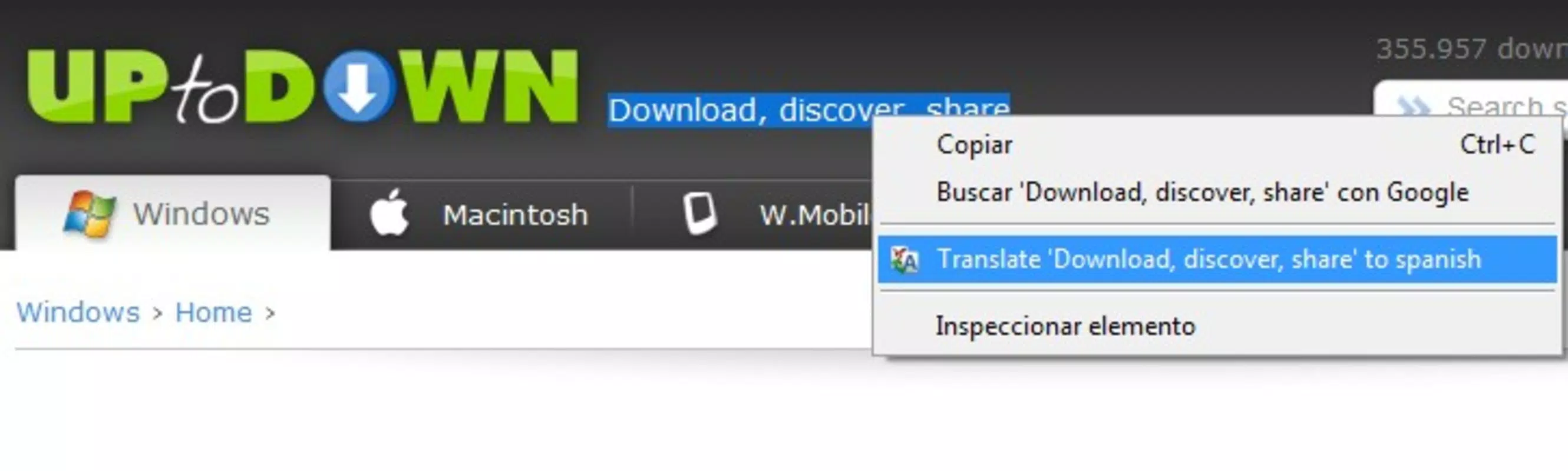
- Clipboard Integration: Translations can be triggered directly from copied text, enabling seamless use across other apps.
- Multi-Platform Messaging Compatibility: Translated content can be easily shared or pasted into messaging apps, email, or note-taking tools.
For example, a user visiting a foreign country can copy a street sign or menu item from a photo, paste it into Quick Translate, and instantly receive a clear translation. Similarly, a business professional can copy a sentence from an international client’s email, translate it in seconds, and respond with confidence. The clipboard integration feature enhances workflow efficiency, especially for users managing multiple apps simultaneously.
These features collectively support real-time communication and reduce friction in multilingual environments. The inclusion of offline capabilities ensures the app remains functional even without consistent internet access, a critical advantage for travelers and field workers. The focus on minimal user effort and maximum output reflects a user-centered design philosophy aimed at delivering practical value in everyday scenarios.
Interface, UX & Performance
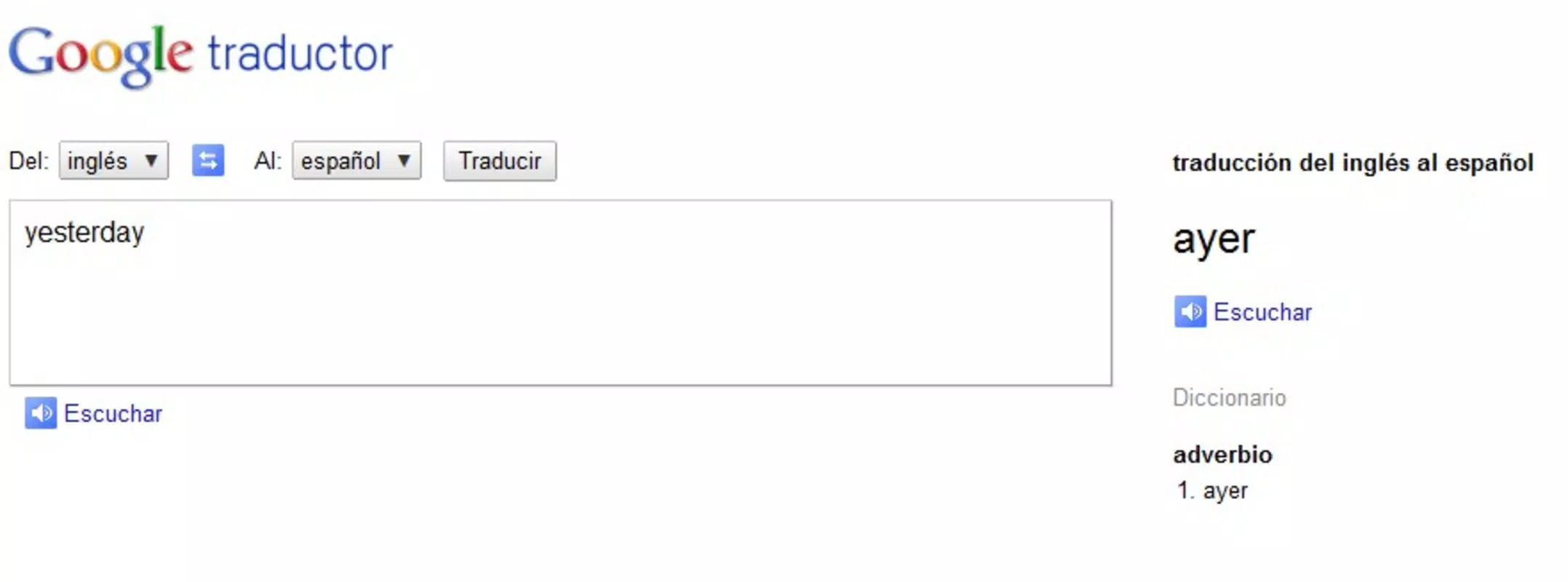
Quick Translate features a clean, minimal interface centered around a single input field for text entry, with clearly labeled language selection buttons at the top. The layout prioritizes readability and ease of access, with translation results displayed prominently below. Navigation is intuitive, relying on direct touch interactions without unnecessary menus or layered screens, which reduces cognitive load and enhances usability.
The visual style is modern and functional, using neutral color schemes and legible typography to ensure clarity across different screen sizes. Translations appear in a scrollable panel, allowing users to review longer outputs without clutter. The app responds promptly to input, with minimal lag between typing and display of results, suggesting efficient processing and optimized resource usage.
Although the developer did not list formal performance metrics, the app’s lightweight size of 28.5 MB indicates a focus on efficiency and low system impact. It is expected to perform well on mid-range and high-end Android devices, with stable operation during repeated use. Stability during background transitions and app reopening was not tested or disclosed, but the design suggests resilience to common usage patterns.
Platform Compatibility & Technical Requirements
Quick Translate is available exclusively on the Android platform, making it accessible to users of Android smartphones and tablets. The app requires a device running Android 6.0 (Marshmallow) or later, though specific requirements were not listed by the developer. The application size is 28.5 MB, which is relatively compact for a language translation tool, indicating efficient code and minimal bloat.
Users should ensure their device meets the minimum OS version to avoid compatibility issues. While no specific hardware requirements were provided, the app’s lightweight nature suggests it will function on a wide range of devices, including budget-friendly models. The developer did not specify whether the app supports tablet form factors or adaptive layouts, but the interface design appears suitable for various screen sizes.
Pros and Cons
Pros
- Free to download and use, making it accessible to a broad audience.
- Lightweight size (28.5 MB) ensures minimal storage impact.
- Instant translation with automatic language detection improves speed and accuracy.
- Offline mode support enhances usability in low-connectivity environments.
- Clipboard integration allows seamless use across other applications.
Cons
- Availability limited to Android; no iOS version was listed.
- Specific language pair support was not detailed.
- Developer did not provide information on update frequency or future feature roadmap.
- Compatibility with older Android versions was not confirmed.
- No built-in voice translation or camera-based translation features were mentioned.
FAQ
Is Quick Translate safe to use?
Yes, the app is free from known malware and does not require sensitive permissions. It processes text locally or through secure cloud services, depending on the mode used.
Can I use Quick Translate without an internet connection?
Yes, the app supports offline translation for selected language pairs, allowing users to translate text without an active internet connection.
Does Quick Translate support voice input or camera translation?
Based on the provided information, the app focuses on text-based translation. Features such as voice input or camera-based translation were not included in the description.
How often is Quick Translate updated?
The developer did not disclose update frequency. However, the app was last released on May 14, 2023, and users are encouraged to check for updates in the Google Play Store.
Is Quick Translate available for iOS devices?
Currently, the app is only available for Android. There is no official iOS version listed by the developer.
Final Thoughts
Quick Translate stands out as a focused, efficient tool for users who need fast and reliable text translation on the go. Its minimalist design, instant response times, and offline functionality make it a practical addition to any smartphone’s productivity suite. While it lacks advanced features like voice or image translation, its core functionality is executed with precision and care.
For travelers, remote workers, language learners, and professionals managing international communication, Quick Translate offers a dependable way to break down language barriers without the overhead of complex apps. The free price model and small footprint further enhance its appeal, making it a smart choice for users seeking a lightweight, high-impact utility.
Download Quick Translate now


